DIT and live color
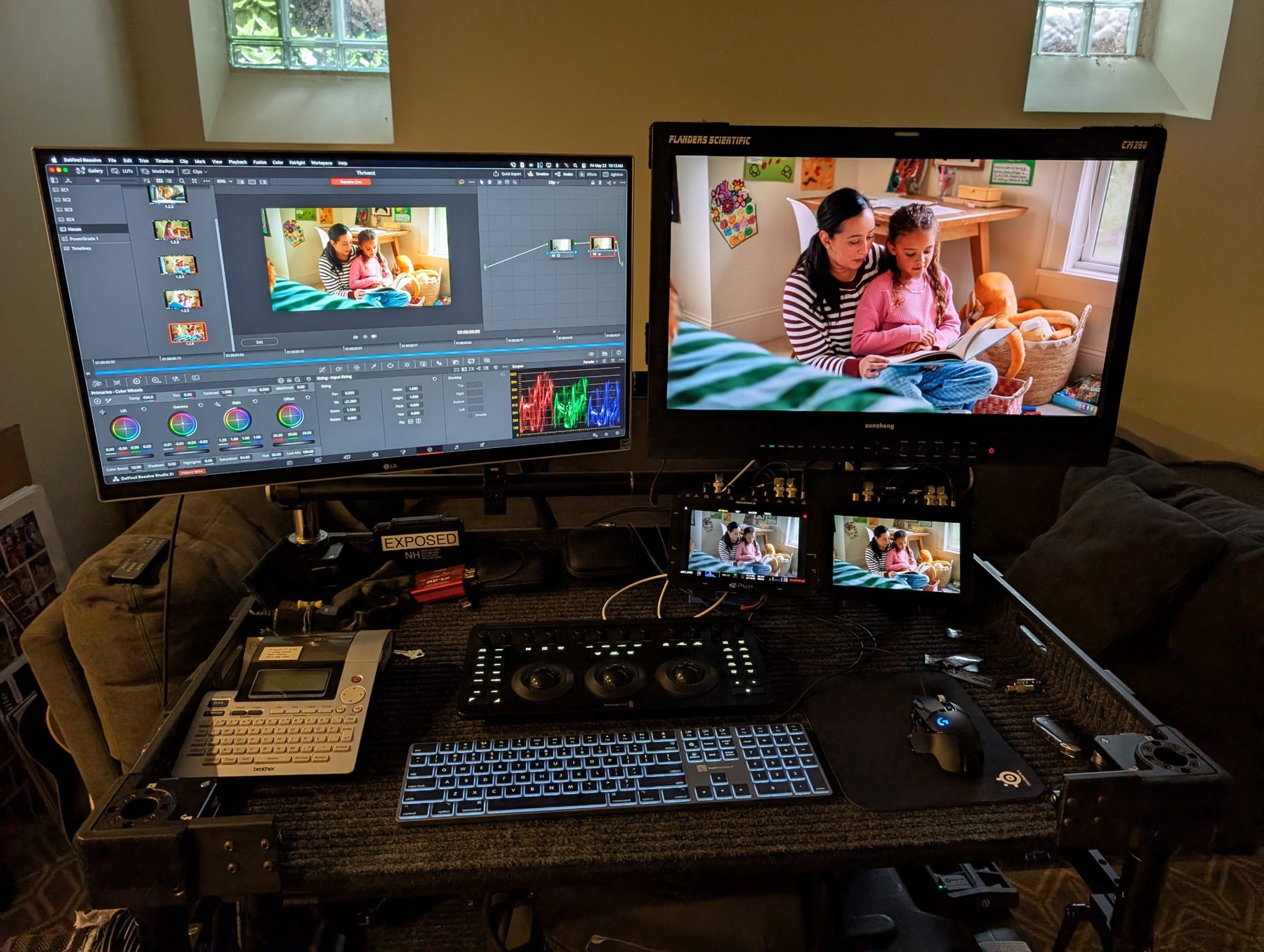
Live grading on calibrated reference monitors, show LUTs and CDLs, and camera tests before day one.
Minneapolis–St. Paul · DIT · Color · Data · Live
Live color, data and edit-ready media from one cart. The director's look holds from the first monitor to the final grade, and post starts before you wrap.
What we do
One vendor for the operator, the gear and the plan, so nothing falls between departments.
Live grading on calibrated reference monitors, show LUTs and CDLs, and camera tests before day one.
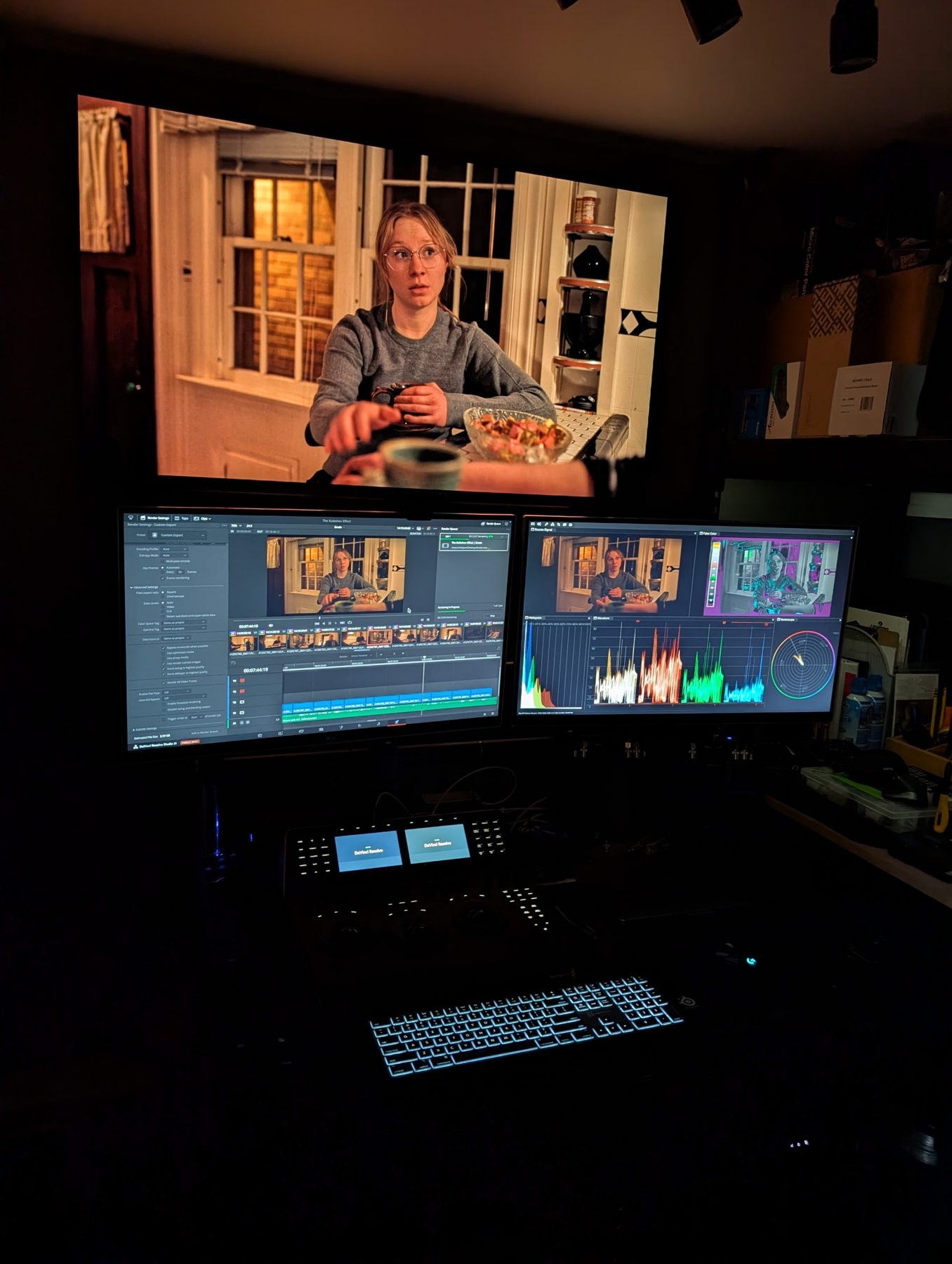
Graded, synced dailies plus ProRes or DNx editorial media, prepped for Avid, Premiere or Resolve.
Checksum-verified offloads, redundant backups, offload reports and a workflow your post house signs off on.
Edit media made on the cart and sent to your editor while you're still shooting.
Director, client and village monitors, all fed the same look over clean SDI.
Multi-camera switching, monitoring and ISO record, from load-in to strike.
Creative color
Flat log footage becomes the image everyone gets used to in the edit, and the final grade starts over. Live color on set keeps the intent with every clip, all the way to the finish.
Workflow strategy
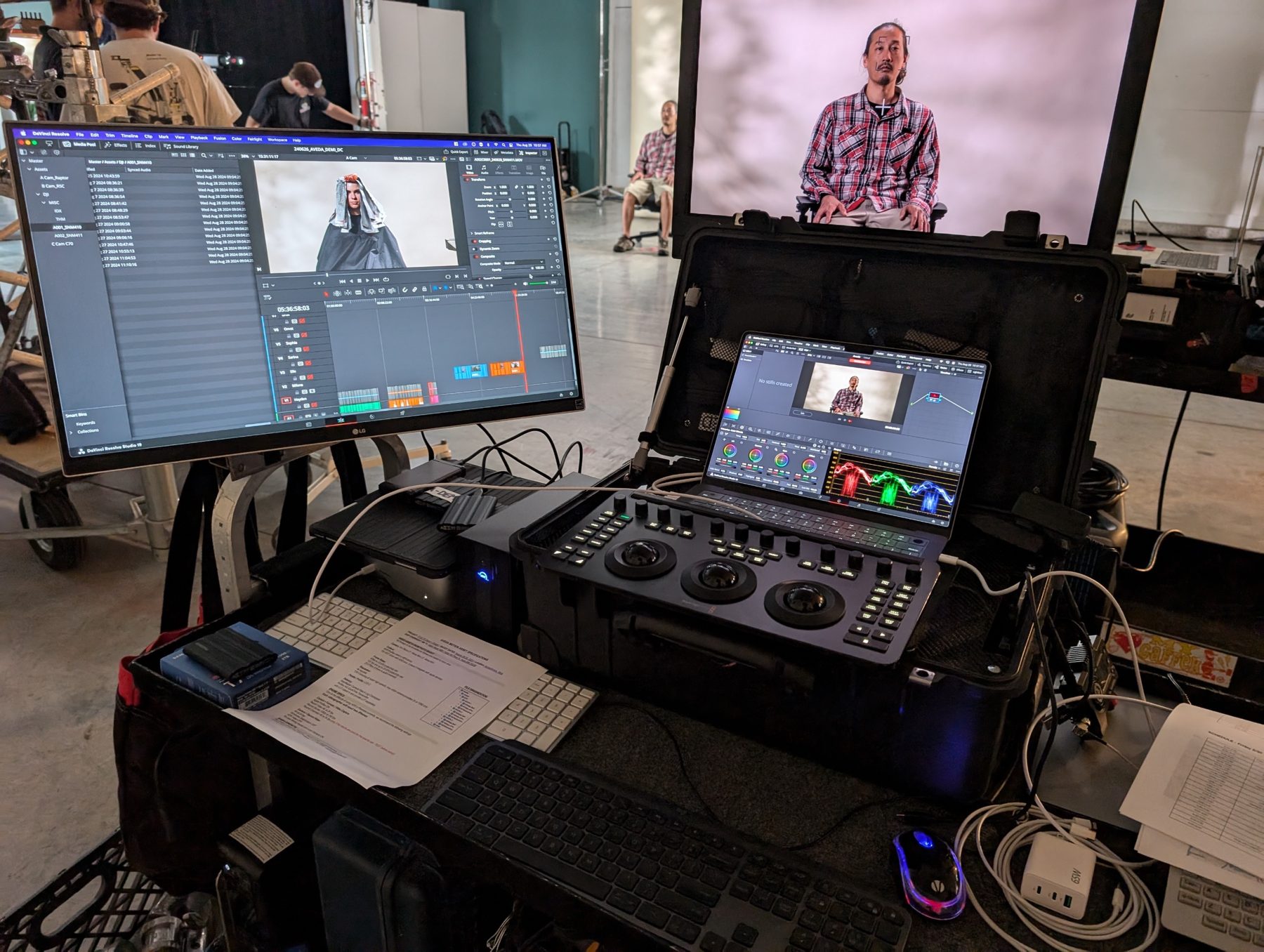
The wrong codec, a missed backup, footage sitting on a drive for days before the edit sees it. A workflow planned before the shoot means you only pay for it once.
Rentals
A DaVinci Resolve workstation, color panel, Flanders Scientific reference monitor, onboard monitors and rack-mounted switching, ready to roll onto set. Rent it with an operator or on its own.
Build a rental kit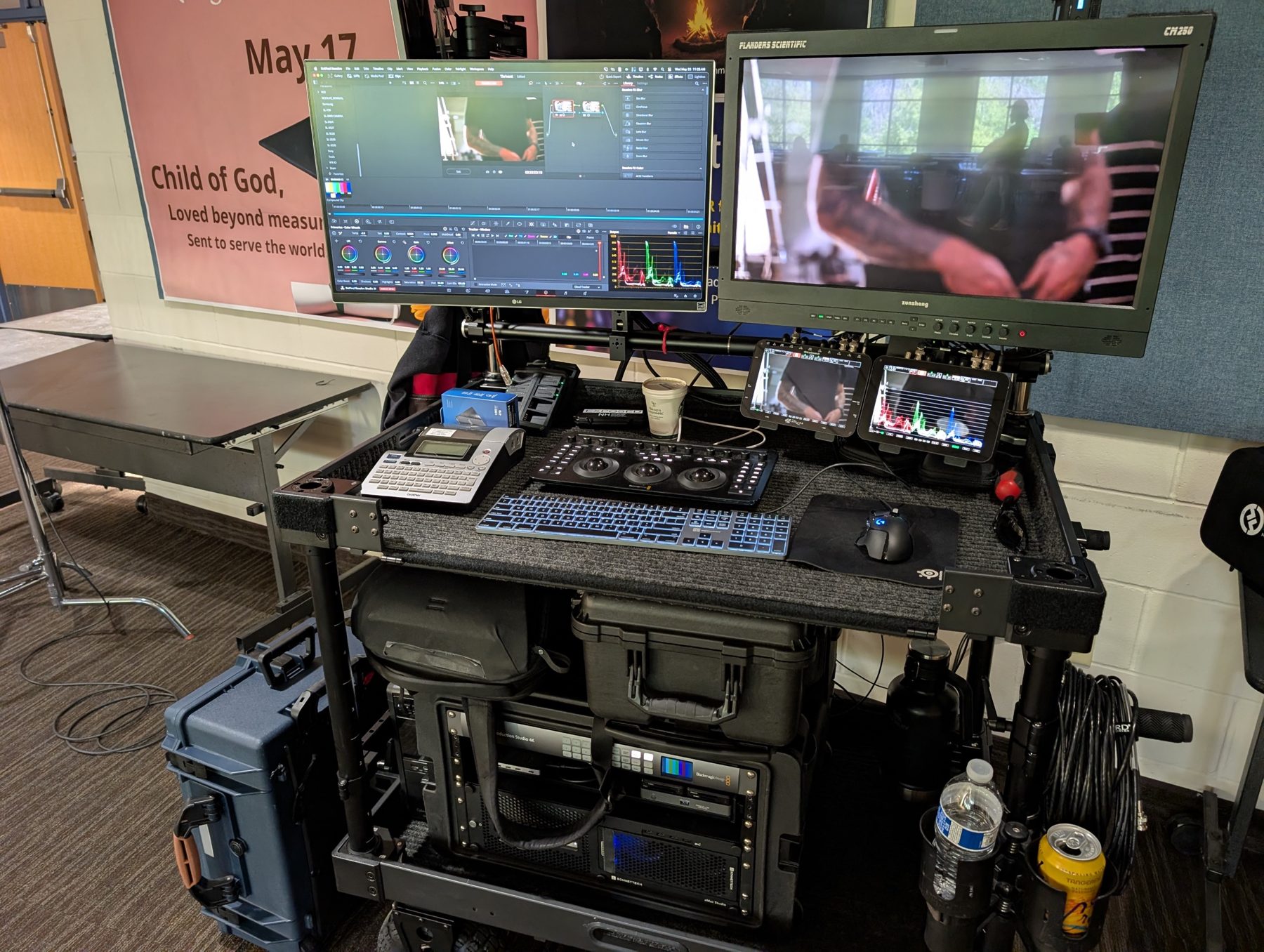
How we work
A prep call with your DP, editor and post house, then a written workflow and a look built from camera tests.
Live color on set, verified offloads, and dailies and edit media made as you go.
Graded dailies, edit-ready media, looks, CDLs and reports, so post starts on day one.
Booking now
Send your dates, location and camera. You'll get availability, a workflow plan and a quote.